
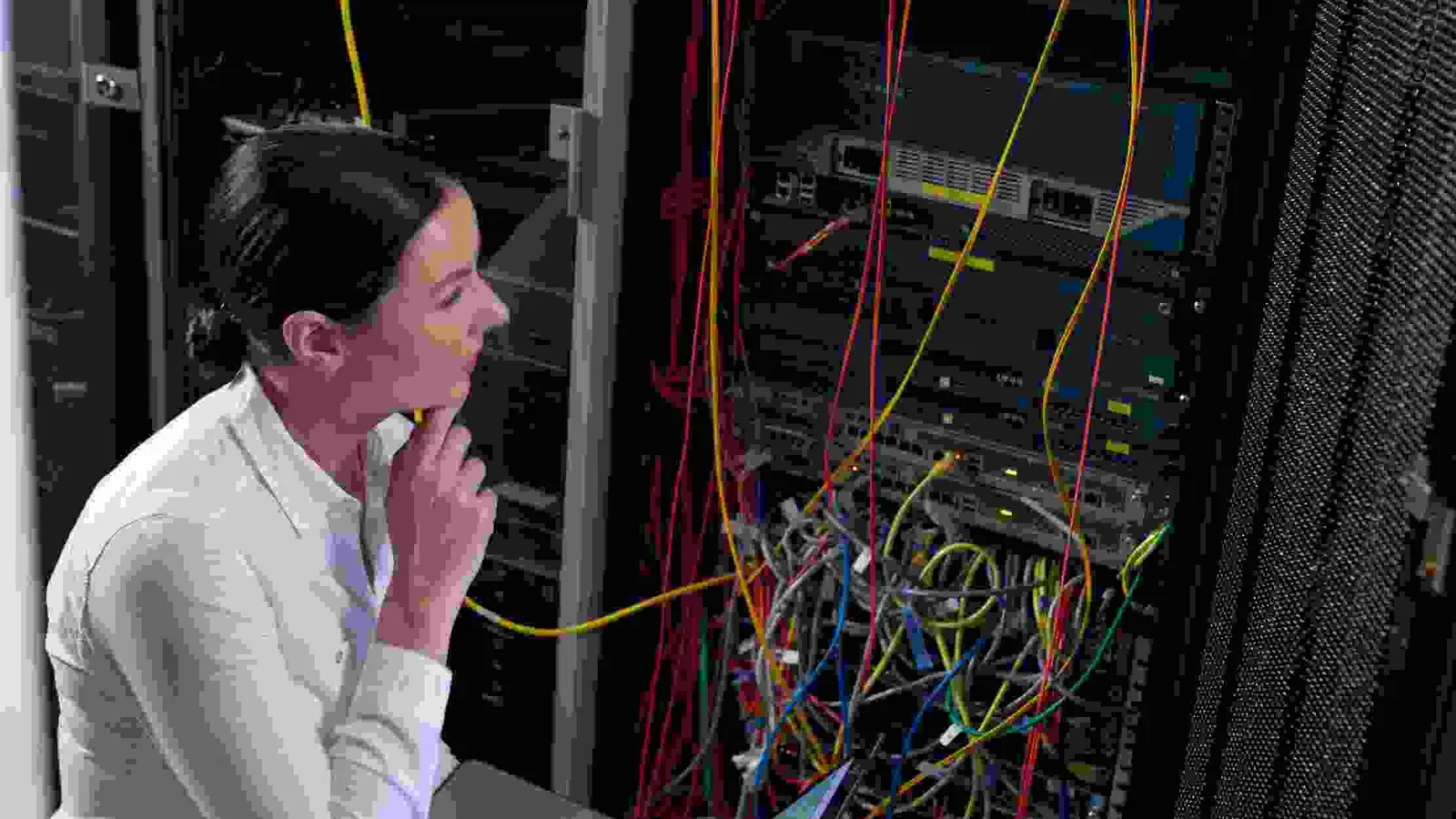
Windows and Active Directory operations
Windows Admin Engine Skills: Safe Windows Server Operations
A public Windows administration engine for Windows Server, Active Directory, PowerShell, networking, security, storage, recovery, and fleet operations.
 Inspect on GitHub Windows Admin Engine Skills
Repository facts verified locally on 22 August 2026
Install
Add it to Claude Code or Codex
This engine installs as a native plugin for Claude Code, and its scripted installer works the same way from Codex or any terminal.
Native Claude Code plugin
/plugin marketplace add https://github.com/peterbamuhigire/windows-admin-engine-skills
/plugin install windows-admin@chwezi-windows-admin
Manual install (Claude Code, Codex, or any agent)
git clone https://github.com/peterbamuhigire/windows-admin-engine-skills
cd windows-admin-engine-skills
./install.sh --scope project      # macOS / Linux / Git Bash
.\install.ps1 --scope project     # Windows PowerShell
Both installers are cross-platform (macOS, Linux, Git Bash, and PowerShell) and wrap the same underlying installer script.
Direct answer
Windows Admin Engine Skills helps an administrator inspect, change, recover, and hand over Windows Server, Active Directory, PowerShell, and hybrid infrastructure work with the authority boundary, rollback path, and verification target visible. It is the eleventh canonical engine, registered alongside Linux Skills as the Windows-side counterpart for safe host operations.
Who it serves
Windows administrators, infrastructure engineers, IT managers, and support teams operating on-premises, hybrid, or Azure-connected Windows environments safely.
21
Local SKILL.md files verified
Claude Code + Codex plugin
Installs as
/plugin install windows-admin@chwezi-windows-admin
Native command
Eleventh canonical engine
Registered as
Non-negotiable operating rule
Human in the middle. Every time.
Nothing is considered finished merely because an AI tool or skills engine produced it. A responsible person reviews the facts, logic, sources, calculations, code, security, privacy, context, and quality of the output before it is published, deployed, submitted, or used to make a decision. For some actions, the engine must stop until the user explicitly types that they approve the action; approval must never be inferred from silence or a vague request.
Human responsibility: approve, correct, escalate, reject, stop, or roll back the work.
Engine responsibility: make the method, evidence, limits, review points, and approval pauses visible.
In practice
A second view of the work this engine supports
The visuals illustrate the domain; they do not replace evidence, controls, or the human review required before a consequential decision or action.

Capability map
What this engine covers
The list below is a plain-language summary of the repository's verified capability surface. It is not a promise that every project needs every skill.
- Windows Server provisioning, roles and features, PowerShell scripting, and Group Policy management.
- Active Directory, identity, hybrid AD/Azure AD, DNS, DHCP, and enterprise networking configuration.
- Security hardening, patching, endpoint protection, auditing, and compliance-aware access control.
- Storage, backup, disaster recovery, monitoring, fleet administration, and incident learning.
How to use it
A repeatable route from request to evidence
Identify the environment
Confirm the host, domain role, current state, authority, and operational risk before issuing a command.
Plan the change
Choose the narrowest specialist skill and define preconditions, backups, rollback, and stop conditions.
Change carefully
Use least-privilege PowerShell and GPO changes; preserve configuration, secrets, logs, and user data.
Verify and hand over
Check service health, security posture, backups, monitoring, and the operator-facing recovery procedure.
Good fit
When to use this engine
- You need a Windows Server hardening, Active Directory, Group Policy, or PowerShell automation runbook.
- A hybrid environment needs safe on-premises to Azure AD or Microsoft 365 identity operations.
- An infrastructure change needs explicit authority, preconditions, rollback, validation, and handoff evidence.
- A Windows task crosses into Linux infrastructure, application engineering, or current vendor guidance.
Boundaries
What it does not replace
- It owns Windows administration and operational evidence; it does not replace application engineering, finance, or visual design.
- Commands must not be issued against a production domain controller or server without confirmed authority, backups, and recovery path.
- Current Microsoft product, licensing, security advisory, and compliance claims need source verification where they can change.
- It does not create evidence merely by writing confidently; source claims and project facts still need verification.
- It does not remove accountable human review, specialist judgement, approval authority, or professional sign-off.
- It does not authorise live account changes, client communications, production changes, or submissions without explicit permission.
Continue the route
Related first-party guidance
Linux Skills
Use the Linux counterpart for Debian/Ubuntu and RHEL-family server operations in mixed estates.
Chwezi Dev Engine
Route application engineering, APIs, databases, and production software to the engineering engine.
Windows Admin Engine Skills on GitHub
Inspect the public Windows administration engine and its scripts.
Frequently asked
Questions about Windows Admin Engine Skills
What does Windows Admin Engine Skills cover?
It covers Windows Server, Active Directory, PowerShell, Group Policy, hybrid identity, networking, security hardening, storage, backup, disaster recovery, and fleet administration.
How is it installed for Claude Code or Codex?
It installs as a native Claude Code plugin (`/plugin marketplace add` then `/plugin install`) or by cloning the repository and running its cross-platform install.sh or install.ps1 script, which both agent runners can use.
Can it make production changes automatically?
No. The skills define safe operational procedures, but authority, context, preconditions, rollback, and verification must be established before a live change.
Ready to discuss your project?
Every engagement begins with a conversation. Book a consultation to explore how Peter's experience can serve your organisation.