
Short answer
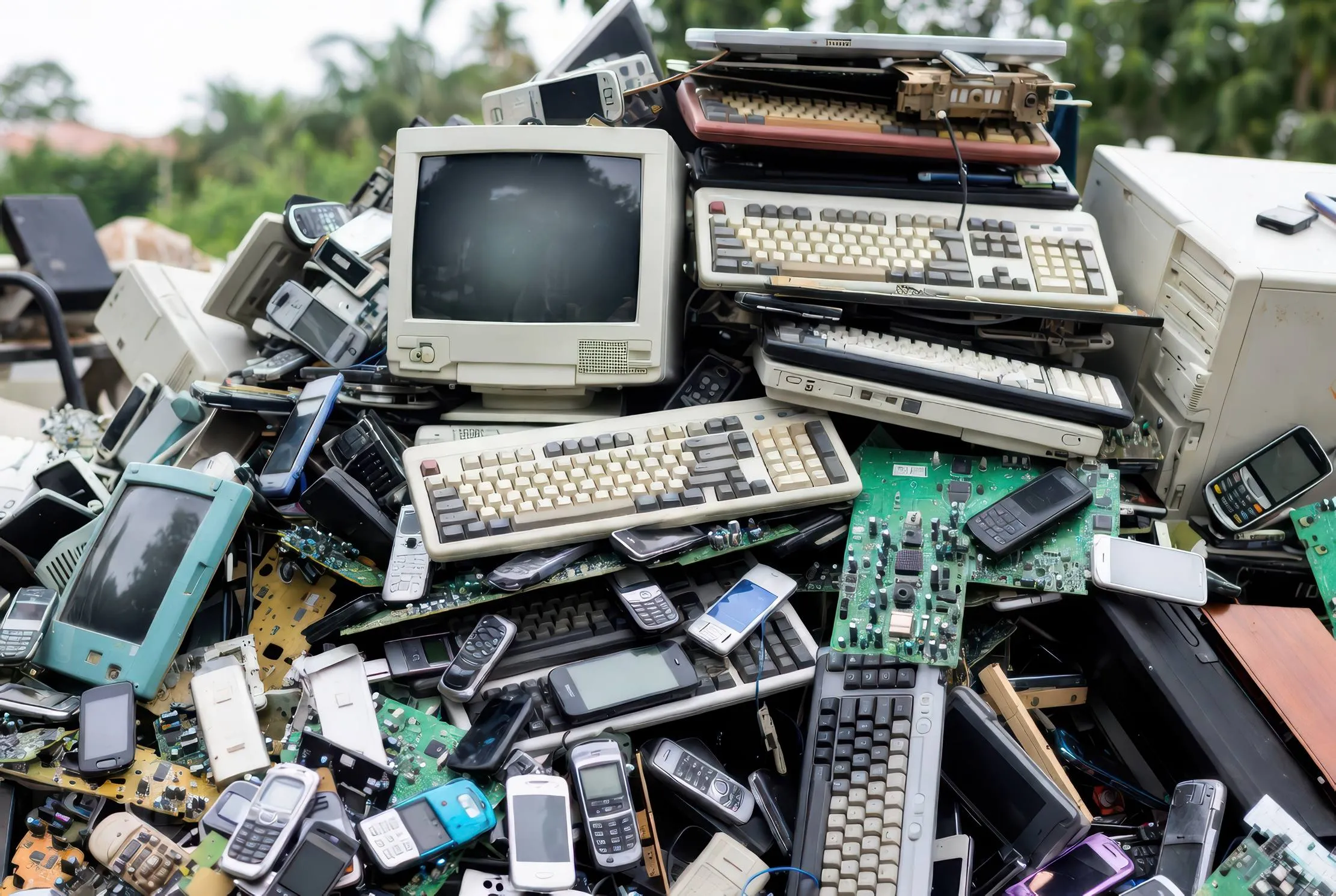
Treat e-waste as a lifecycle decision. For each device, choose repair, upgrade, redeploy or retire; identify and protect stored data; record custody; and verify the final material route. Keep device carbon, electricity and data-security questions separate so a green claim remains defensible.
The old laptops in a cupboard are not only a storage problem. They may contain forgotten data, represent a missed reuse decision and leave procurement without a reliable picture of what the organisation already owns.
When a school, NGO or small office replaces equipment, do not begin with a disposal bag. Begin with four decisions: repair, upgrade, redeploy or retire. The climate question sits inside each option: can you keep the device useful safely, avoid a new purchase and send material through a verified route at the end?
The data question comes first. Identify storage, preserve approved records, remove accounts and management links, then erase or destroy media with a method suited to the support and risk. A convenient handoff is not evidence of secure data destruction or responsible e-waste management.
Why e-waste belongs in climate planning
An ICT device has more than a purchase price. Materials were extracted, components manufactured, the device transported and electricity used during operation. Its end-of-life route then affects material recovery, hazardous handling and what the organisation can prove.
The Global E-waste Monitor 2024 reports 62 billion kilograms of e-waste generated worldwide in 2022, with 22.3% documented as formally collected and recycled. That is a global measurement, not a rate for Uganda, Rwanda or a particular client. It is still a strong reason for every small organisation to give its equipment a recorded next action.
Keep three boundaries separate:
- Device and material footprint: manufacture, extraction, transport, repair and end-of-life treatment.
- Energy footprint: electricity used by devices, networks and digital services, with the carbon result shaped by the local generation mix and backup power.
- Information custody: what remains on storage, who can access it and what proves the handoff.
The fossil-fuel question is an electricity question
“Digital” does not mean impact-free. A laptop, router, phone or server consumes electricity. Networks and data centres consume electricity too. A grid with a high fossil-fuel share, a diesel generator used during outages and a solar-backed site create different operating conditions.
The boundary matters. The IEA estimates that data centres currently produce about 180 million tonnes of indirect CO₂ emissions from electricity use, excluding backup generation. That figure concerns data centres globally; it is not your office’s footprint. It reminds us to ask what sits inside a digital-carbon claim.
Ask which equipment consumes power at idle, which service must remain available during a power cut, how often the generator runs and whether a repair, power-management change or longer useful life would avoid a purchase. Do not claim that retiring one laptop “offsets” a measured quantity of carbon without a defined boundary, activity data and defensible emission factors.
Four decisions for every device
1. Repair
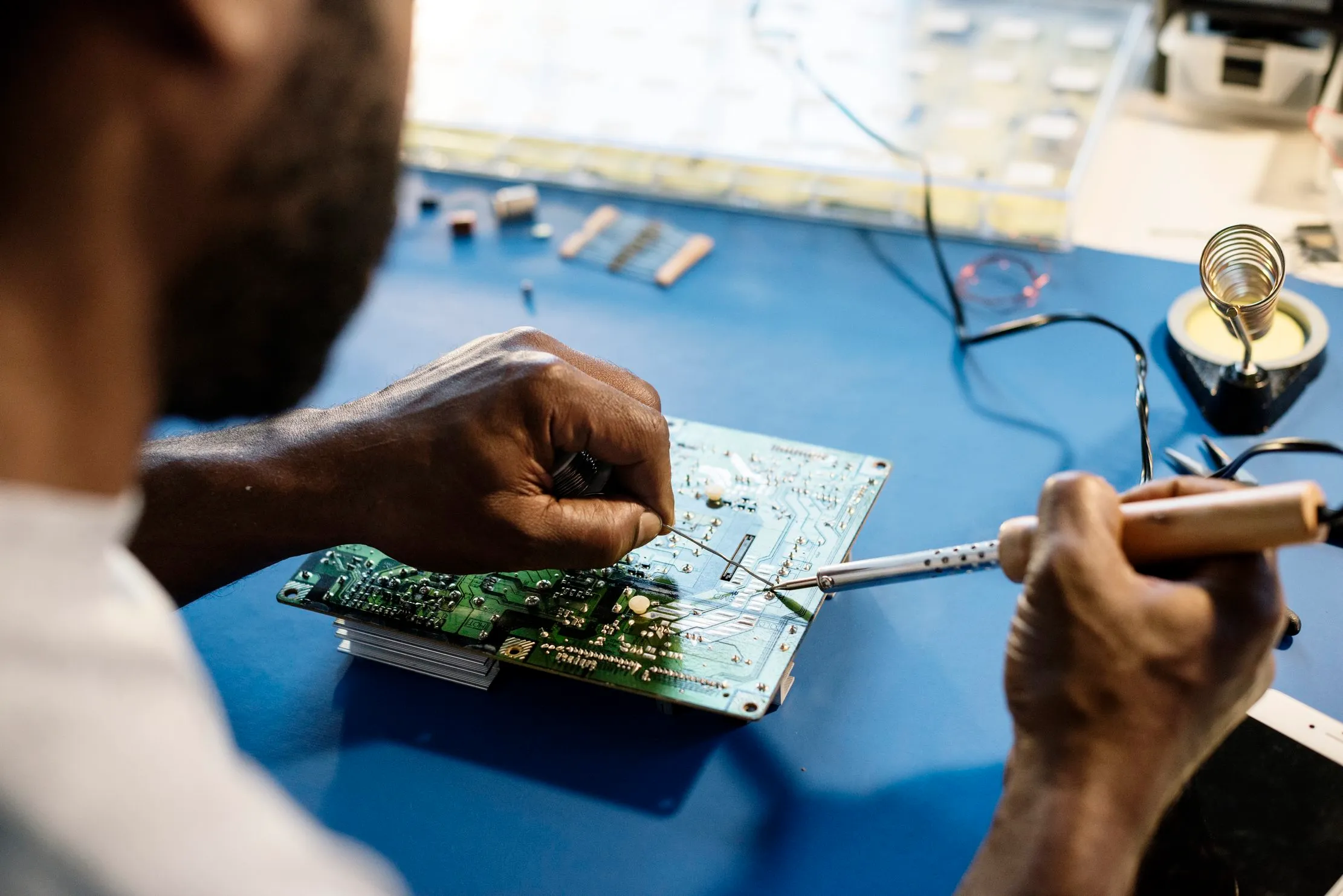
Repair first when the fault is understood and the device can still serve a defined role. Record the symptom, component, cost, downtime, parts, safety condition and qualified owner. A fan, keyboard, battery, connector or storage device may be a contained repair; damaged power equipment, unsafe batteries, repeated faults or absent support may justify retirement.
Ask: after repair, will it be safe, useful and supportable for a named user and workload? A reliable repair can preserve value already embedded in the device and delay a replacement. It is not automatically the greener choice if it creates a safety or support problem.
2. Upgrade
Upgrade when a specific limitation can be solved with compatible parts. Confirm the model and configuration, check documentation, back up required records, document the change and test the intended workload. Include power, cooling, software support, accessories and technician time. If the device remains too slow or fragile, move on to redeployment or retirement.
3. Redeploy
Match the device to a role, user, location and support owner. It may suit offline documents, administration, training or a limited field task. Before transfer, check the condition, charger, battery, operating requirements, account state, data state and maintenance responsibility.
Ask the recipient the hard question: Can you charge it, protect it, update it, maintain it and get help when it fails? If not, donation may only move the e-waste problem to another organisation. Keep a chain-of-custody row with the asset ID, condition, accessories, date, releasing person, receiving organisation, intended use, data-clearing status and next review date.
4. Retire
Retirement is a controlled exit from operational use. Identify every storage medium, back up records that must be retained, remove accounts and tokens, clear or destroy media using an approved method, and record the operator, date, identifier and verification.
A factory reset is not automatically proof that sensitive information is gone. If erasure cannot be verified, hold the media in controlled custody and escalate to a competent service. Do not send a drive for material recovery while its data status is unknown.
The data gate before donation or disposal
- Identify: match the physical device and storage to the asset register.
- Preserve: back up approved records and confirm that the copy opens.
- Remove access: sign out, remove profiles and synchronisation links, release management enrolment and revoke or rotate credentials where needed.
- Clear or destroy: choose a media-appropriate method, document who did it and check the result.
- Close custody: record final status, recipient or handler, date, condition, data status and evidence.
Green IT procurement starts before the next purchase
Add questions about the support and software-update period, replaceable batteries and parts, spares and manuals, local technical support, energy use in the intended conditions, warranty and return responsibilities, data-clearing expectations and end-of-life documentation.
The ITU’s circular and sustainable ICT procurement guidance links procurement with longer useful life, resource efficiency, energy efficiency, recyclability and reduced hazardous substances. These principles improve the questions; they do not select a local supplier for you.
Use a small lifecycle worksheet
Use one row per device or batch:
| Field | Record |
|---|---|
| Asset | Type, model, serial or asset ID, storage present |
| Decision | Repair, upgrade, redeploy or retire, with reason |
| Climate note | Useful life preserved, purchase avoided or deferred, or no defensible inference |
| Data gate | Backup, access removal, method, operator and date |
| Custody | Owner, recipient or handler, handoff date and evidence |
| Close-out | Final status, route checked and document retained |
Do not invent the last mile
E-waste handling depends on the location, materials and equipment. Do not imply that informal disposal is safe, compliant or environmentally responsible. If no route has been verified, keep equipment separated, labelled and under named custody while the responsible person checks the service’s identity, accepted materials, data handling, documents, collection terms and applicable requirements. The ITU Africa e-waste toolkit is a starting point for regional context, not proof that a particular route is available.
The decision to make this month
Choose one cupboard, storeroom or replacement batch. Give every item an owner, status and next action. Run repair, upgrade, redeploy or retire in that order. Complete the data gate before any handoff. Ask the recipient whether they can maintain the device. Then close the record with evidence.
The climate-conscious ICT decision is not always “keep it” and not always “replace it”. It is a documented choice that protects useful materials, electricity budgets, information, people and the next custodian. Repair what has a sound second life. Reuse what can be supported. Retire what cannot—and know where it went.
Frequently asked questions
How are e-waste and climate change connected?
ICT equipment carries material and manufacturing impacts, uses electricity during its life and creates an end-of-life decision. Repair, reuse and responsible retirement can preserve useful value, but carbon claims need a defined boundary and evidence.
Does repairing a device always reduce its carbon footprint?
No. Repair can preserve useful life and avoid a replacement, but safety, reliability, parts, support and energy use still matter. Record the decision rather than assuming repair is automatically the greener option.
Is a factory reset enough before donation?
Not automatically. Identify the media and data risk, back up approved records, remove accounts and use a verifiable method suited to the storage. If you cannot verify erasure, keep the media controlled and escalate.
How should a small organisation find a disposal route?
Verify the service for your location and equipment: identity, accepted materials, data handling, documents, collection terms and applicable requirements. Do not treat an informal handoff as proof of safe or compliant handling.
Sources & the researchers worth crediting
This article combines the supplied sustainable-ICT and repair sources with current ITU, WHO, UNEP and IEA material. The workflow is a practical synthesis; local data-protection, environmental and technical requirements must still be checked before a device leaves controlled custody.
Read next
A four-year life plan for office computers
Plan maintenance, upgrades, replacement and retirement before a device makes the decision for you.
Predictive maintenance for small operations
Start with the visible failure and the records that make an intervention useful.
Review your ICT and operations risks
Connect equipment, people, records and response ownership in a practical technology review.
About the author
Peter Bamuhigire
Software architect and ICT consultant
Peter Bamuhigire works on business systems where technology, people, records and operational continuity meet. He writes for owners and managers who need practical decisions that survive the conditions of a real workplace.